



Lunch featuring Rigsby’s at Oakbrook
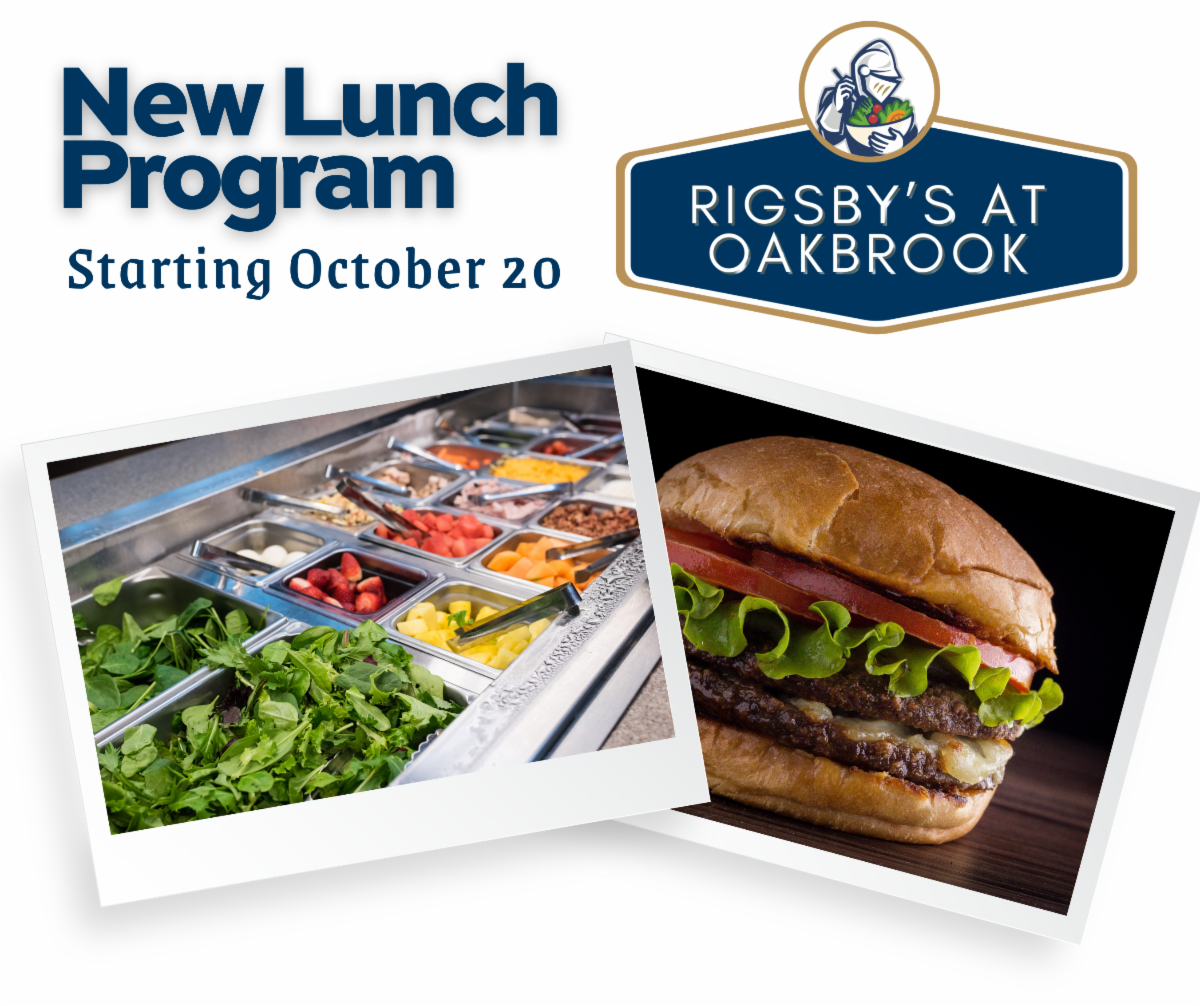

We believe in nourishing both the body and the Spirit here at Oakbrook. That’s why we’re dedicated to providing our students with a healthy, balanced diet. We are proud to partner with Rigsby’s to ensure every meal is both delicious and nutritious, helping our students thrive throughout the school day.

Our goal is simple: to offer food that fuels learning, strengthens bodies, and supports growth. With this program, lunches will feature more homemade meals and fewer processed foods. Middle and Upper School students will enjoy a daily fresh salad bar, while Lower School students will continue receiving prepared boxed lunches.

Dive into our exciting new lunch options, featuring a vibrant fresh salad bar where you can customize your healthy meal! We’re thrilled to also bring you delicious choices from Rigsby’s, including everyone’s favorite Donato’s Pizza and the fresh, flavorful tastes of Salsaritas. Get ready to enjoy a wider variety of satisfying and nutritious meals every day!
You can place your orders directly through the Oakbrook app, available for download on the Google Play Store and Apple App Store. Alternatively, you may also log in to the FACTS Family Portal on the web at: https://familyportal.renweb.com/
Because meals are being prepared fresh, some orders must be placed in advance (rather than same-day). Monday may be ordered same day by 8:00 a.m. Tuesday & Wednesday must be placed by 8:00 a.m. on Mondays. Thursday orders must be placed by 8:00 a.m. on Tuesdays and Friday lunches must be placed by 8:00 a.m. on Wednesdays. We encourage families to submit weekly orders each Friday for the following week. Pricing will remain comparable to current rates.
While the focus will be on fresh, homemade meals, we will continue to keep emergency options such as Hot Pockets and Uncrustables available, though additional side snacks will be reduced as we transition.
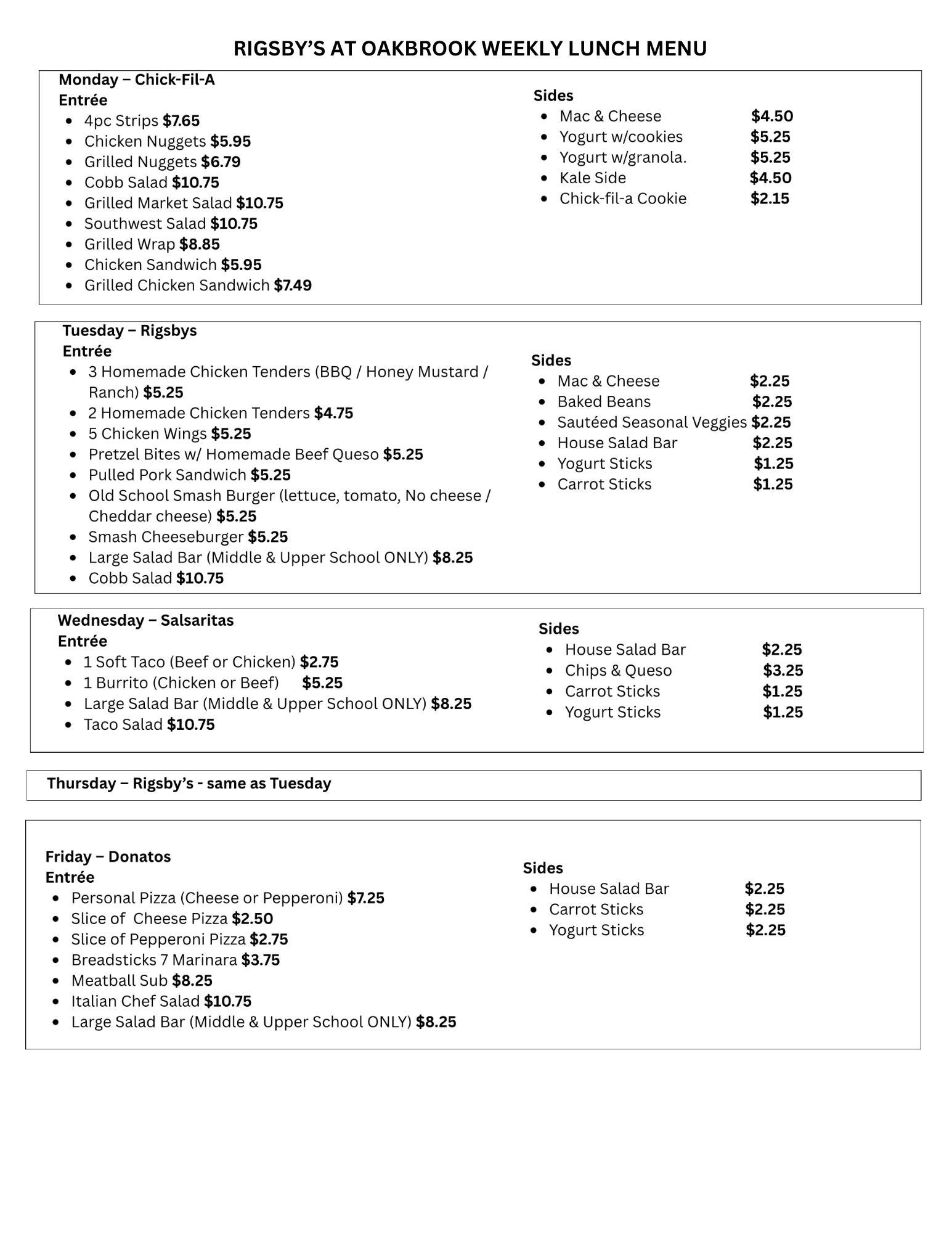
You can view our weekly menu here. Please note that menu options are subject to change.
A: To view your student’s lunch account purchases on a computer or mobile device:
- Login to Family Portal, then click on Financial.
- Under Prepay Accounts, click the hyperlinked amount next to Lunch Program.
- The list of purchases will open in a new window.
For questions about the FACTS System and payment please contact Beverly Long at beverly.long@oakbrookprep.org. For questions about our new lunch process contact Amanda Ledbetter at amanda.ledbetter@oakbrookprep.org